SAID (Saab)
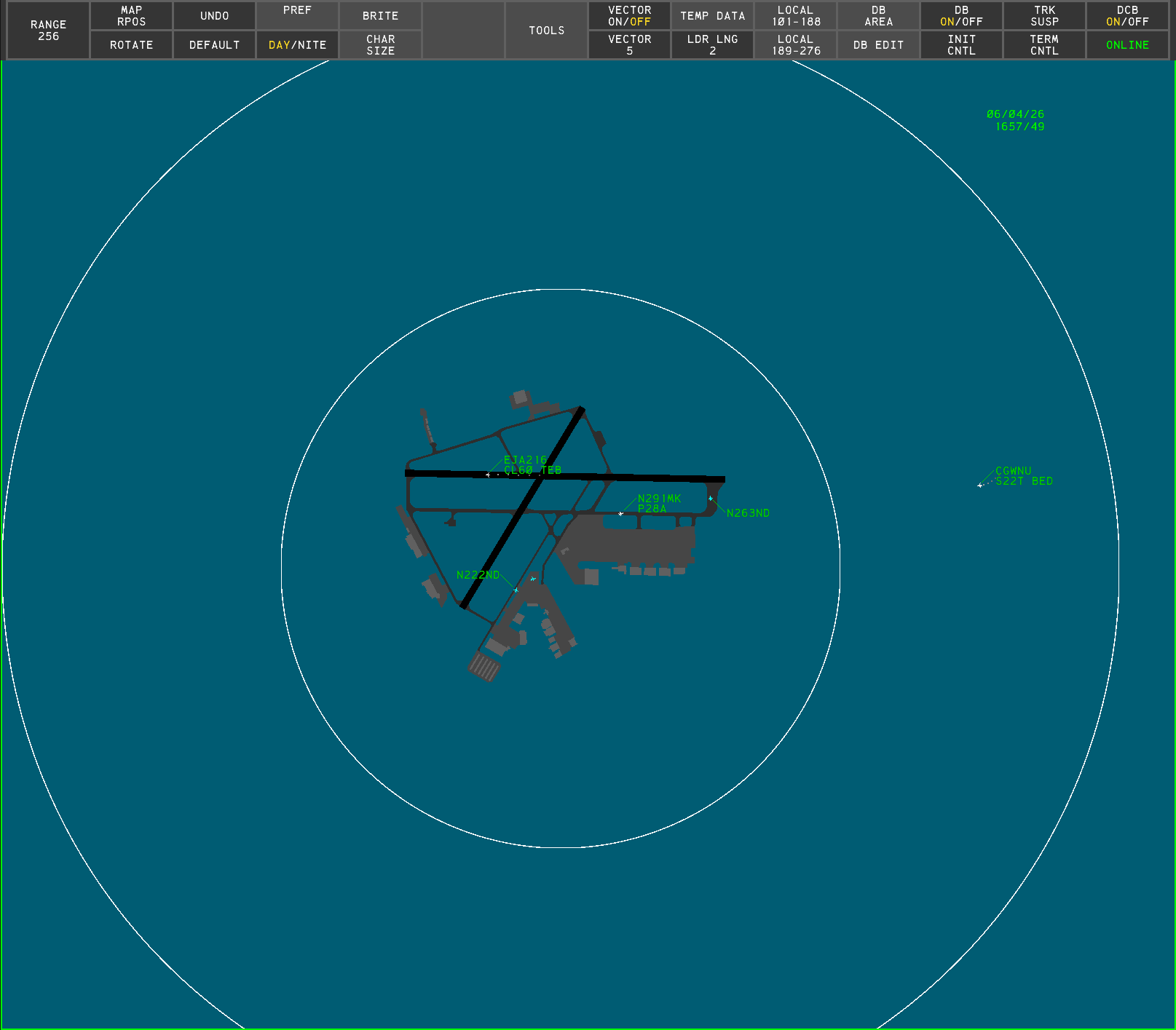
Surface Awareness Initiative System (SAID) is a ground surveillance system used to monitor aircraft on the airport surface. SAID is produced by multiple vendors; this page documents the Saab implementation. Saab's SAID is very similar to their ASDE-X product. This page documents only the ways in which Saab's SAID differs from ASDE-X. For any topic not covered here, refer to the ASDE-X documentation.
Because SAID-derived information may only be used as a reference, SAID cannot be selected as a primary display type.
Display Map
The Display Map functions as it does in ASDE-X, except SAID supports a maximum range of 100 NM (3-6076 in hundreds of feet).
Range Rings
SAID can overlay range rings centered on the display. Range rings are toggled with the RNG RNG ON/OFF button on the Tools DCB submenu.
To set the range ring spacing:
- Left-click the RNG RING SCALE button on the Tools DCB submenu
- Scroll to set the desired ring spacing
- Left-click or press Enter
or
- Left-click the RNG RING SCALE button on the Tools DCB submenu
- Type the desired ring spacing, in NM
- Press Enter
Targets
SAID does not display primary targets. An aircraft is only displayed when its transponder is turned on.
Unlike ASDE-X, which displays primary targets, SAID has no unknown target icon (see ASDE-X - Targets). However, when an aircraft is squawking a beacon code that does not correlate to an existing flight plan, it is displayed as an unidentified aircraft.

Label De-Confliction
Label De-Confliction automatically repositions overlapping Data Block labels so they do not overlap. It is toggled with the LABEL DE-CNFLT ON/OFF button on the Tools DCB submenu.
Label De-Confliction is unavailable when the display range is greater than 50,000 feet.
Display Control Bar

Main Menu
The SAID Main menu contains the following button:
- ONLINE/OFFLINE: a status indicator showing the connection to the network. ONLINE is displayed when connected; OFFLINE is displayed when disconnected.
Tools Submenu

The SAID Tools submenu contains the following buttons:
- RNG RNG ON/OFF: toggles display of range rings
- RNG RING SCALE: controls the range ring spacing
- LABEL DE-CNFLT ON/OFF: toggles Label De-Confliction
Preview Area
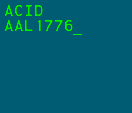
SAID's Preview Area displays the following lines:
| Line | Description |
|---|---|
| 1 | System response line |
| 2 | Functional feedback line 1 |
| 3 | Functional feedback line 2 |
When disconnected from the VATSIM network, the message MSDP COMMS FAIL START is displayed in the Preview Area. When reconnected, this message is replaced with the MSDP COMMS FAIL END message.